01
Upload your photo
Face the camera in good light. Choose a clear photo with your whole head and shoulders visible.
AUSTRALIA · VISA
Get your Australia visa photo from your phone in about 30 seconds: 1200×1600 px on an original background, framed and checked automatically.
Photo for an Australian visa application, 1200 × 1600 pixels on a plain light grey background. Upload it in the ImmiAccount portal in the Photograph section for each applicant. Official requirements ↗
 30secApprox. processing time
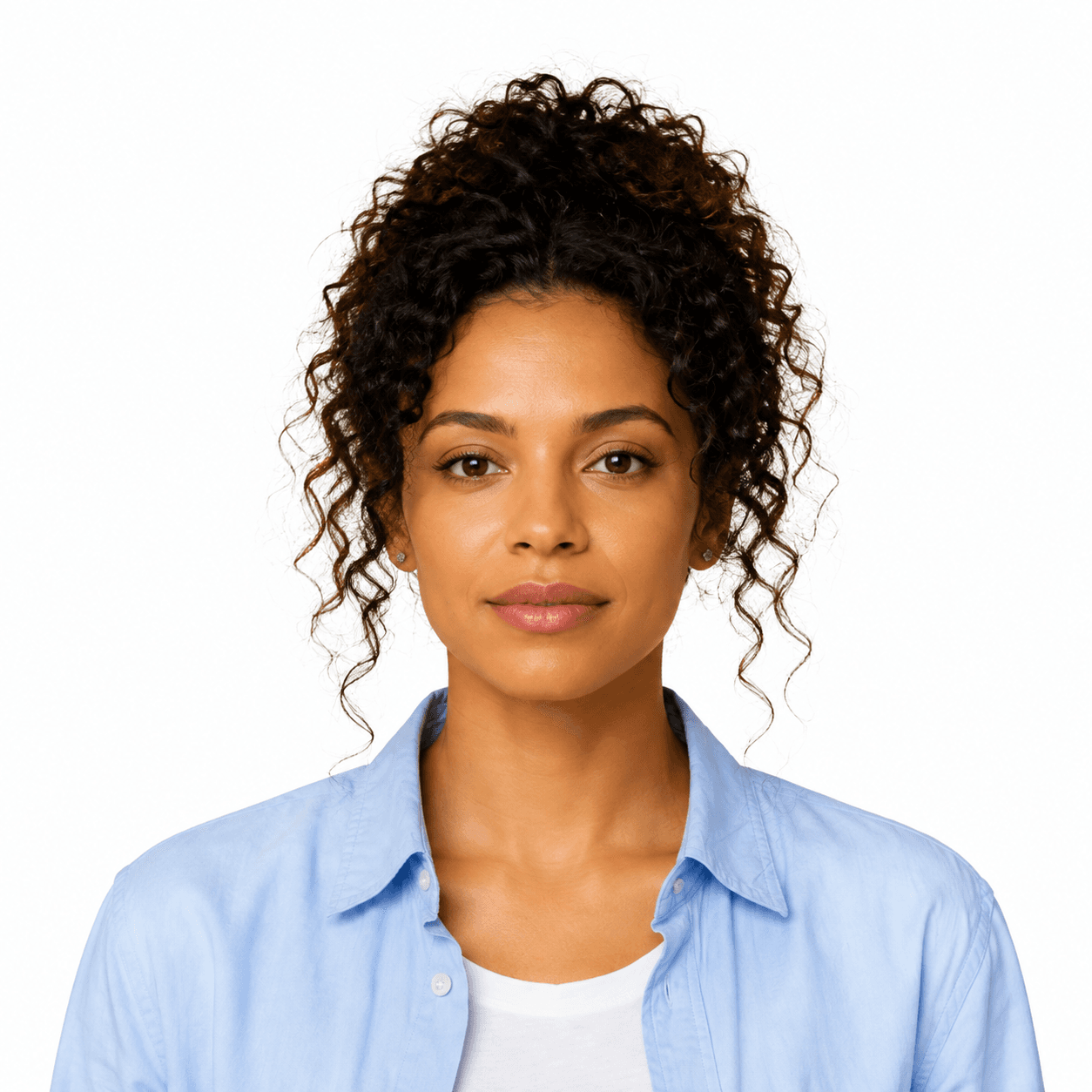
Use a plain background that meets your document’s rules. This format preserves your original background.
PHOTO REQUIREMENTS
What the photo needs, and what PassportFace prepares for you.
Photo for an Australian visa application, 1200 × 1600 pixels on a plain light grey background. Upload it in the ImmiAccount portal in the Photograph section for each applicant.
Download the JPG and upload it where the application asks for your photo. Keep the file as it is: re-saving or resizing it can break the size or file limits.
Official requirements: immi.homeaffairs.gov.au · checked October 2026. The issuing authority makes the final decision.
QUESTIONS
A Australia visa photo is 1200 × 1600 px. PassportFace sizes and frames it for you automatically.
Take it against a plain light-coloured wall with no shadows or patterns. We keep your background exactly as taken because this authority rejects photos with edited backgrounds.
Yes. Stand facing a window or other soft light, keep your head straight with a neutral expression, and have someone take a photo of your head and shoulders. Use a plain wall, because your background is kept as taken.
Our automatic checks look at face position, eyes, expression, sharpness, lighting and size, and ask for a retake if something is wrong. The issuing authority makes the final decision, so read the official requirements before you apply. If it rejects the photo we prepared, we refund your order in full.
HOW IT WORKS
Automatic cropping, resizing and initial checks.
Background removal for eligible formats.
Face the camera in good light. Choose a clear photo with your whole head and shoulders visible.
AI finds your face, prepares the background, frames the shot, and runs initial quality checks.
Download your sized digital photo, without creating an account.
BEFORE YOU UPLOAD
Taking your passport or visa photo at home? These three simple tips can help you get a clearer shot.
Choose a document Always check the official requirements for the document you select. Automated checks cannot guarantee acceptance.PHOTO TIP 01 / 03
Step back until your whole head and shoulders fit in the shot. If a selfie crops your hair or chin, ask someone to take the photo for you.
DIGITAL PHOTO DOWNLOAD
