01
Upload your photo
Face the camera in good light. Choose a clear photo with your whole head and shoulders visible.
UNITED KINGDOM · PHOTO CHECKER
Upload the photo you plan to use and see in about 30 seconds whether it is ready for your UK passport application. We check face position, eyes, expression, sharpness, lighting and file size, and you see every result before you pay.
Original JPEG, at least 600 × 750 px, 50 KB–10 MB. Include your head, shoulders and upper body. We return your original without cropping; HM Passport Office crops it. No photo code supplied. Official requirements ↗
PassportFace can deliver original JPEGs up to 4 MiB (4,194,304 bytes), even where the authority allows larger files. Choose a smaller original or use the authority’s upload route directly. We will not resize or recompress your original.
 30secApprox. processing time
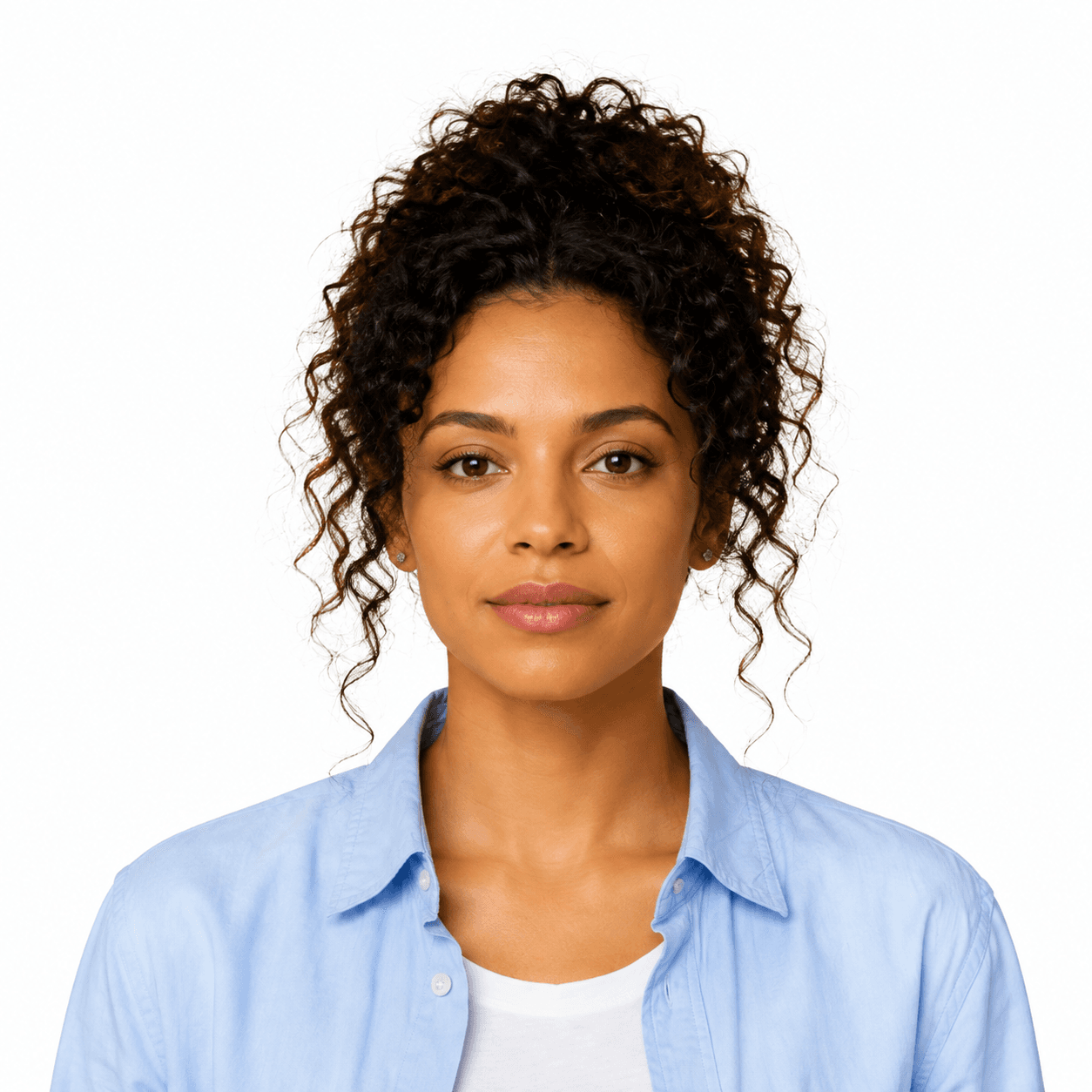
Use a plain background that meets your document’s rules. This format preserves your original background.
PHOTO REQUIREMENTS
What the photo needs, and what PassportFace prepares for you.
Original JPEG, at least 600 × 750 px, 50 KB–10 MB. Include your head, shoulders and upper body. We return your original without cropping; HM Passport Office crops it. No photo code supplied.
Official requirements: gov.uk · checked October 2026. The issuing authority makes the final decision.
QUESTIONS
Yes. Upload a photo and you see the result of every check before you pay anything. You only pay if you choose to download your checked photo, and that order is refunded in full if the issuing authority rejects the photo.
That there is one face, looking straight at the camera with a level head; that both eyes are open and the mouth is closed; that the face is sharp and neither too dark nor too bright; that there is space around your whole head; and that the file is a JPEG of at least 600 × 750 px between 50 KB and 10 MB. It cannot judge everything: the age of the photo, glasses, clothing and shadows behind you are for you to check against the official rules.
You get a plain explanation of what to change, for example more light or a step back from the camera. Take another photo and check it again, as many times as you need.
No. PassportFace is an independent service. The issuing authority runs its own checks when you apply and makes the final decision. Checking your photo first lets you fix problems before you apply.
Yes. Stand facing a window or other soft light, keep your head straight with a neutral expression, and have someone take a photo of your head and shoulders. Use a plain wall, because your background is kept as taken.
Our automatic checks look at face position, eyes, expression, sharpness, lighting and size, and ask for a retake if something is wrong. The issuing authority makes the final decision, so read the official requirements before you apply. If it rejects the photo we prepared, we refund your order in full.
HOW IT WORKS
Automatic cropping, resizing and initial checks.
Background removal for eligible formats.
Face the camera in good light. Choose a clear photo with your whole head and shoulders visible.
AI finds your face, prepares the background, frames the shot, and runs initial quality checks.
Download your sized digital photo, without creating an account.
BEFORE YOU UPLOAD
Taking your passport or visa photo at home? These three simple tips can help you get a clearer shot.
Choose a document Always check the official requirements for the document you select. Automated checks cannot guarantee acceptance.PHOTO TIP 01 / 03
Step back until your whole head and shoulders fit in the shot. If a selfie crops your hair or chin, ask someone to take the photo for you.
DIGITAL PHOTO DOWNLOAD
